Bound & Byte

Every book you own, on one shelf.

Scan a barcode and it's added. Bound & Byte keeps track of what you have, where it is, what you've read, and which books in a series you're still missing.

Email me when it's out Coming soon to Google Play
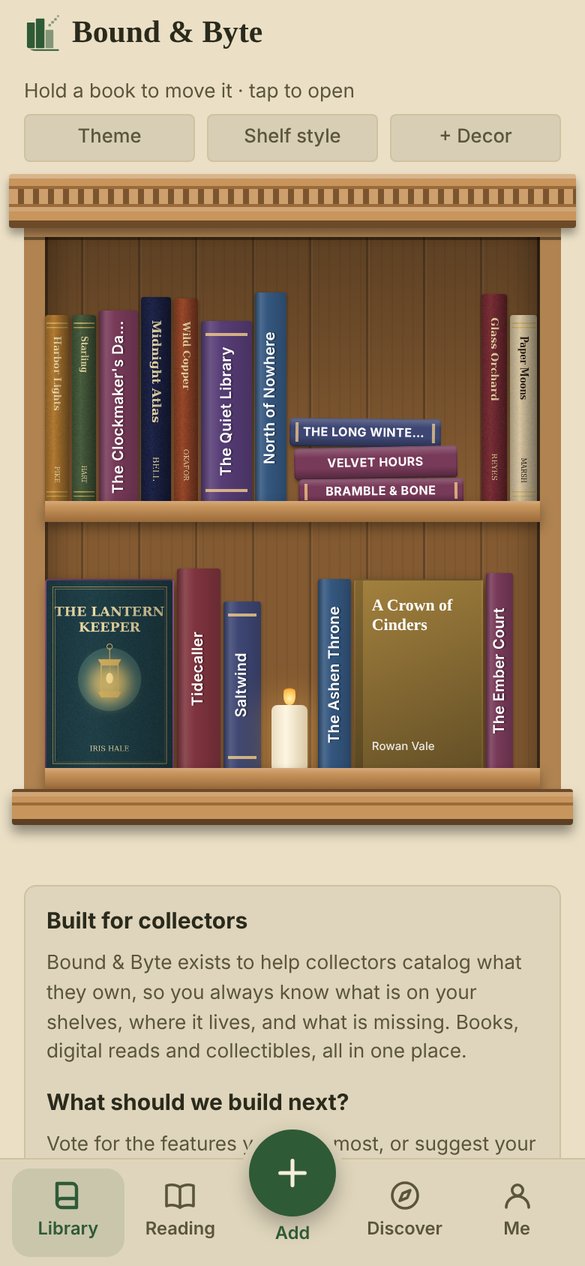
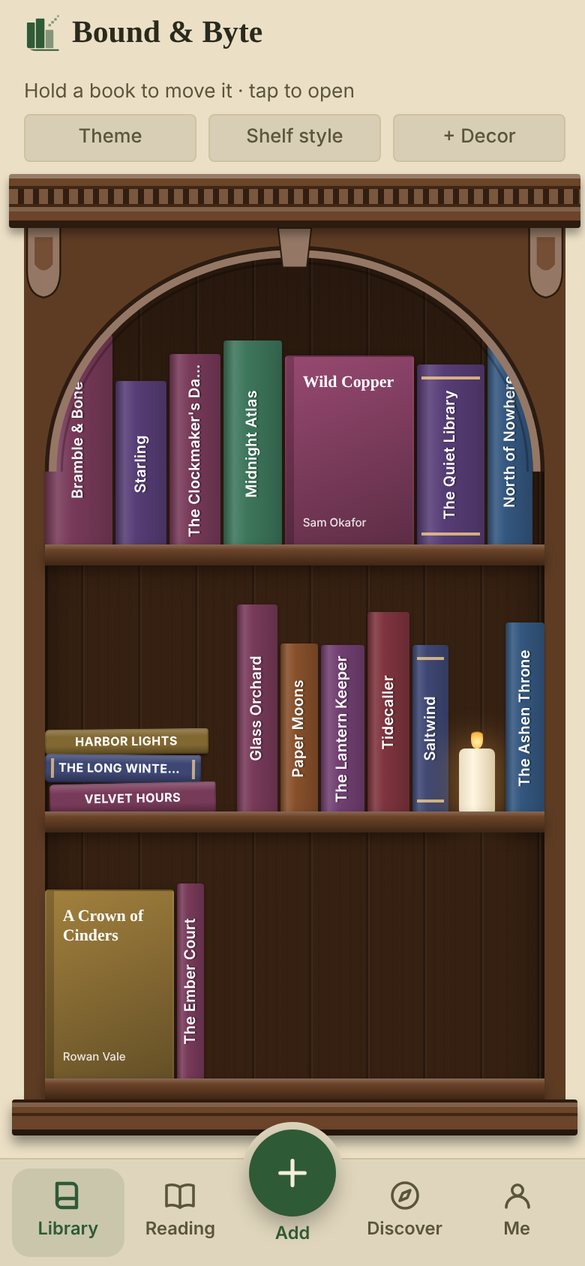
Bound & Byte shelf view: books on an arched walnut bookcase, with a stack of books and a candle
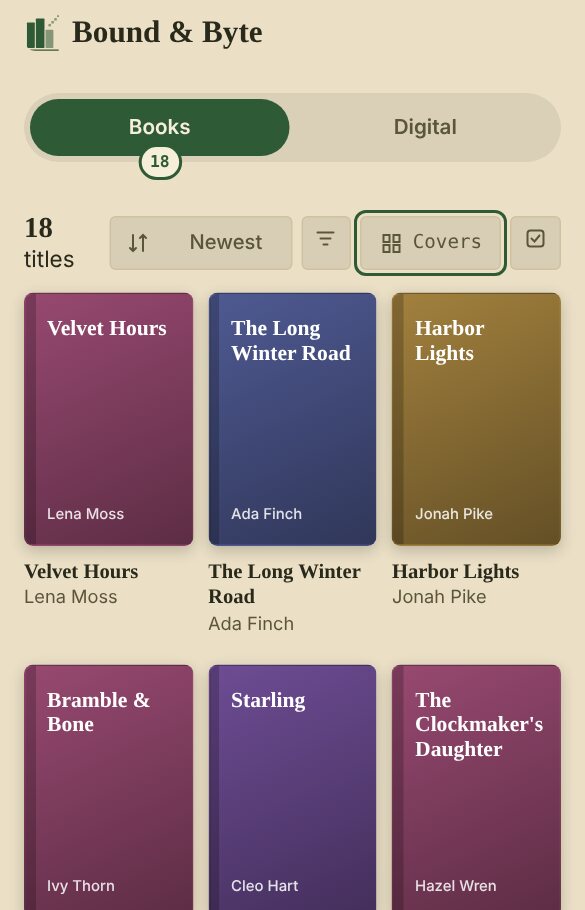
Library screen showing book covers in a grid, with Books and Digital tabs

Add your books in seconds

Point your camera at a barcode, or type an ISBN or title. Bound & Byte fills in the title, author, cover and summary for you.

  • Adding a whole stack? Pair a Bluetooth barcode scanner and scan one book after another
  • Bring in your Goodreads library, or a list from Kindle, Libby or Kobo
  • Books, e-books and audiobooks, all in one place
  • A second copy is never a duplicate: mark it as signed, special or a different edition
  • Note which shelf or box each book lives on, and who you lent it to
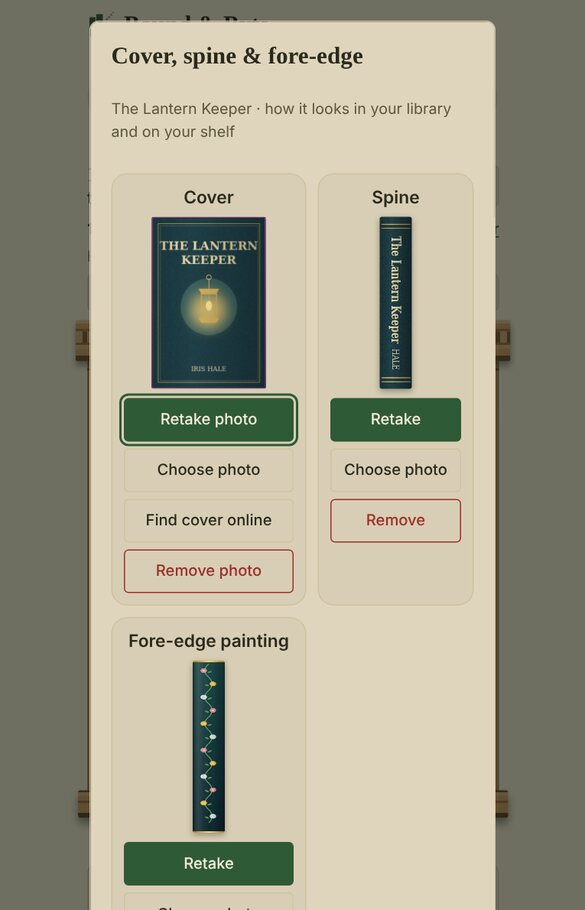
Photograph the cover, the spine and even the painted edges

Photograph the front of your book, its spine and its painted page edges, or pick the right cover from the ones found online. Bound & Byte straightens each photo and trims the background, then puts your real books on your bookshelf, so it looks just like the one at home.

  • Take them all in one go: the cover, the spine, then the painted edges
  • Or pick a cover from the ones we find online, from several sources
  • Or choose a photo you already have
  • Show each book spine-out, cover-out, edges-out or lying flat in a stack
  • Signed copy or special edition? The photo shows exactly yours
Photo screen with a photo of the book's cover, its spine and its painted fore-edge
Bookshelf showing real spine photos and the same book facing out with its cover photo
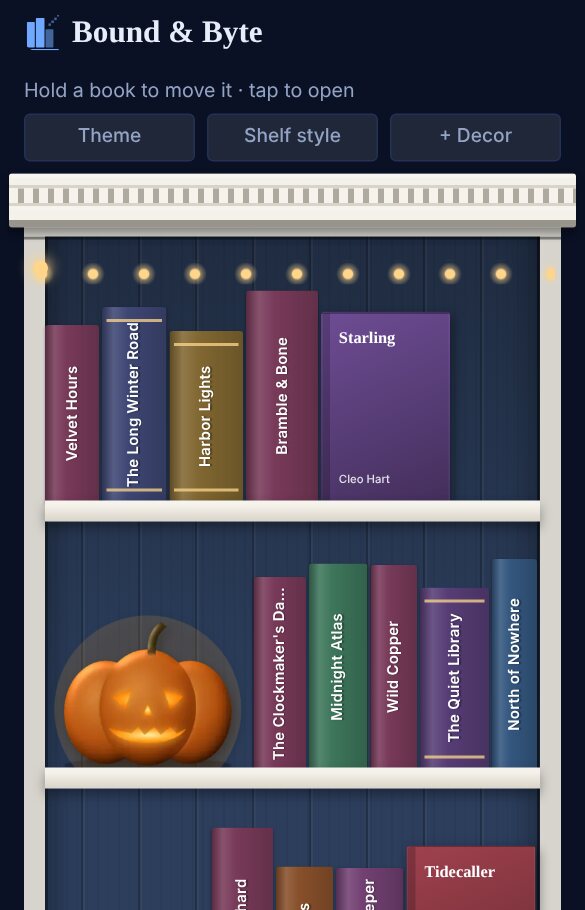
White bookcase with a navy back, fairy lights, a jack-o'-lantern and a pumpkin for fall

Build your bookshelf

Arrange your books on a real-looking bookcase. Turn some face-out, stack others, photograph your actual spines, and add a candle, a plant or the cat.

  • Pick the wood and the color inside, with an arched or square top
  • Decorate for the season: pumpkins in fall, a mini tree and snow globe in winter, tulips in spring, sunflowers in summer
  • Tick Change with the seasons and your shelf decorates itself, putting last season's pieces away for next year
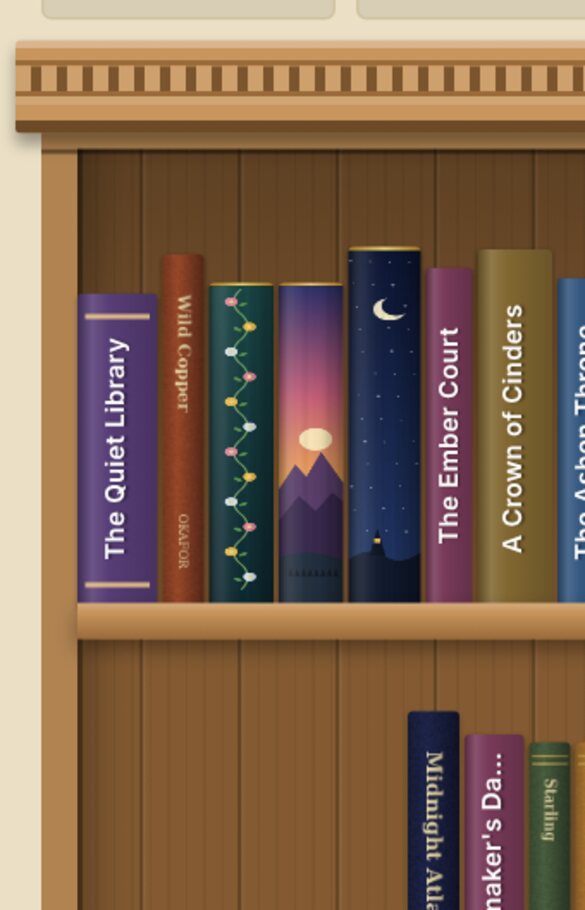
Bookshelf with three books turned edges-out, showing painted page edges: flowers, a sunset and a starry night

Show off your painted edges

Special editions with fore-edge paintings and sprayed edges deserve to be seen. Photograph the edge of the pages and turn the book edges-out on your shelf, so the artwork faces the room.

  • Works for fore-edge paintings, sprayed edges and gilded pages
  • Your friends see your painted edges when you share your shelf
  • Part of Bound & Byte Plus
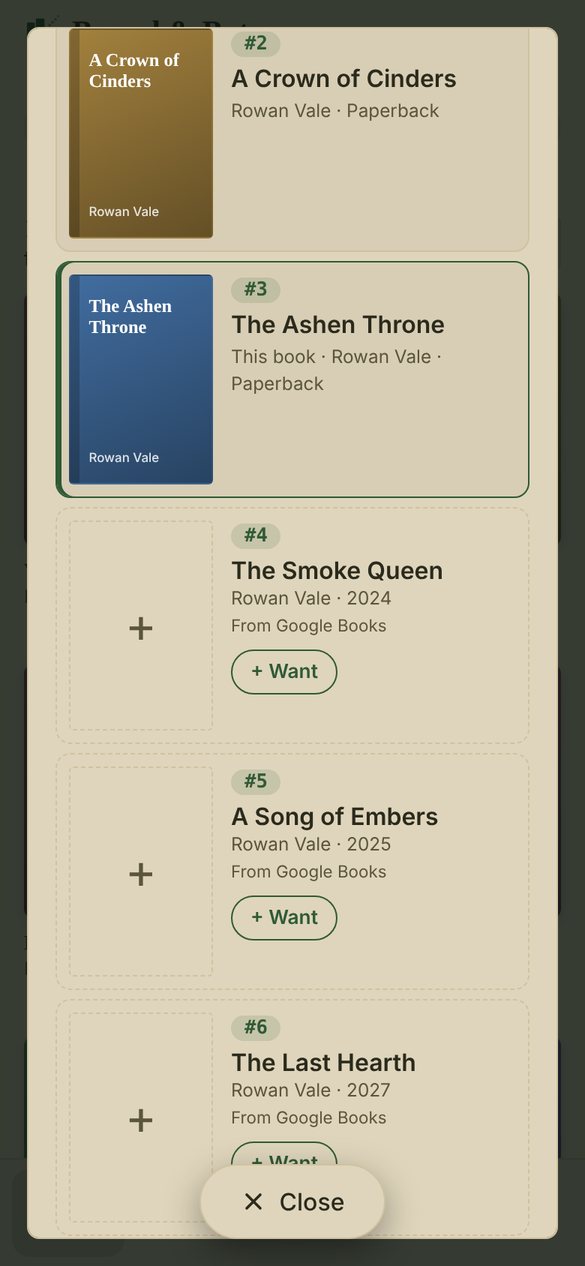
Series screen: books 2 and 3 owned, books 4, 5 and 6 missing with a Want button

Never miss a book

Open any series to see every book in order, the ones you own and the ones you don't. Tap Want to add a missing book to your list.

  • Discover lists upcoming books from the authors and series you collect, with their release dates
  • New books in your series show up before they're out, so one never slips past you
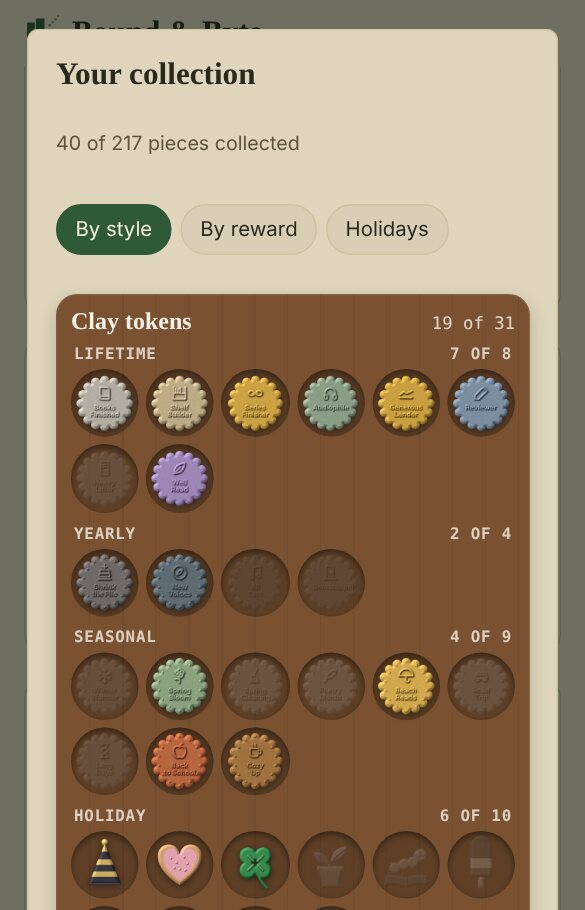
Your collection: reward pieces in a wooden tray, including clay tokens and holiday figures like a pumpkin and a gingerbread man

Reading goals and rewards

Set a reading goal for the year and take on challenges that change with the seasons. Every reward you earn goes into your collection, and it's yours to keep for good.

  • Collect each reward in seven styles, from clay tokens and ink stamps to wax seals, enamel pins and coins
  • Seasonal challenges, plus holiday sets for Halloween, Christmas, Valentine's and more
  • Your progress keeps climbing year after year
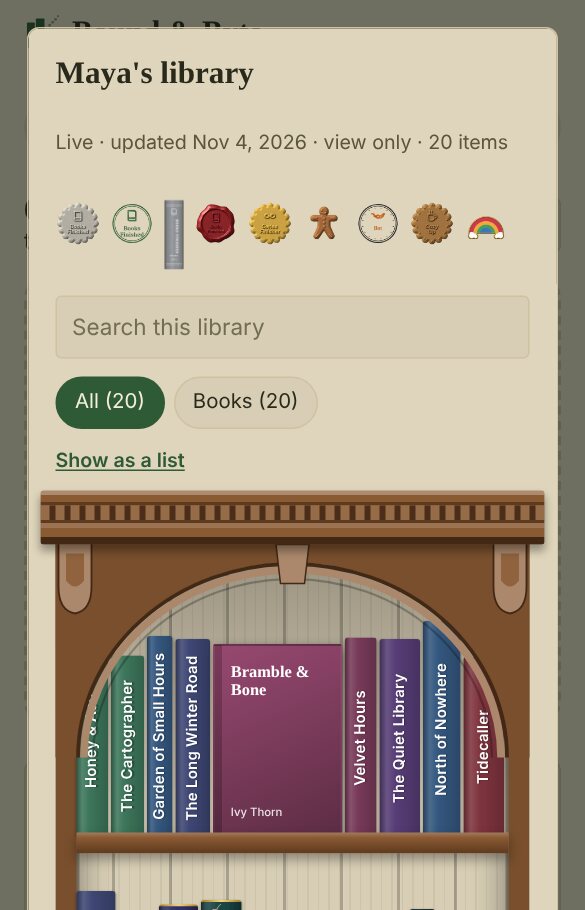
A friend's shared library shown on her own bookshelf, with her reward pieces across the top

Share your library with friends

Send a friend a link and they can browse your whole library on your bookshelf, painted edges, reward pieces and all. Keep it live and they see every new book as you add it.

  • Tap the link to open a friend's library, or type in their share code
  • Your friends can look, but never change anything
  • Recommend a book to a friend right from the app
  • Your notes and who you lent books to are never shared
  • Stop sharing any time: your link stops working and your library is removed from your friends' phones the next time their app checks in

Your library stays yours

Your library lives on your phone, and you don't need an account. Sign in with Google only if you want it synced to another device.

No ads, no tracking, and your data is never sold. Read the privacy policy.